
How Cloud Computing Is Changing the Way Businesses Work
Understanding Cloud Computing
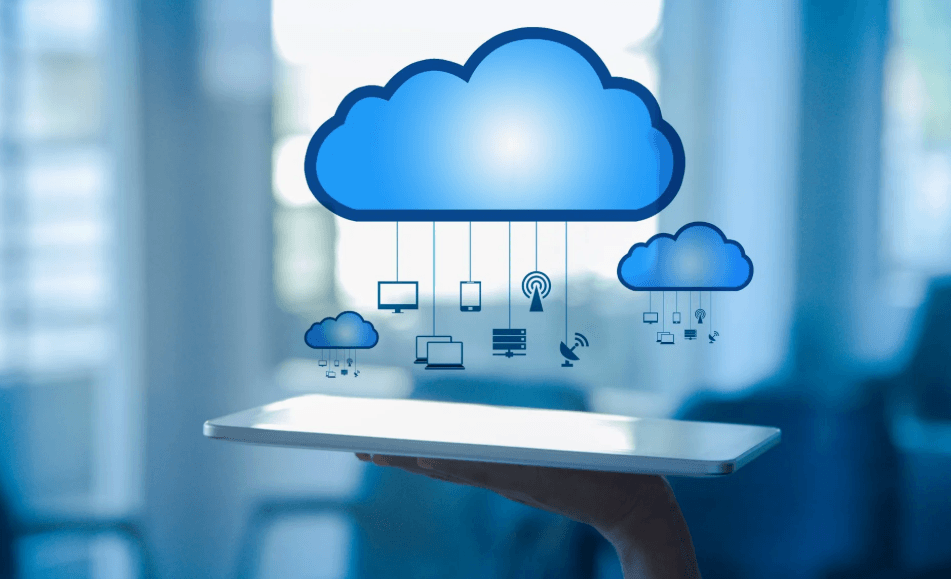
Cloud computing has changed how businesses access software, storage, computing resources, and digital services. Instead of relying entirely on physical servers located inside an office, organizations can use computing resources provided through remote data centers.
Cloud services can support many activities, including file storage, website hosting, software development, business applications, communication, analytics, and backup systems.
For smaller businesses, cloud services can provide access to technology without requiring the organization to build and maintain every part of its own infrastructure.
However, cloud computing is not simply about moving everything online. Businesses need to consider security, costs, reliability, compliance, and the specific requirements of their operations.
Flexible Access to Digital Resources
One major feature of cloud computing is flexibility. Organizations can often increase or decrease computing resources according to demand, depending on the service and pricing model.
This can be useful for businesses whose workloads change throughout the year. An online retailer, for example, may experience significant differences in website traffic during major sales periods.
Cloud-based applications can also allow employees to access files and software from different locations. This can support remote and hybrid work arrangements when appropriate security measures are in place.
The ability to access resources from multiple locations can also support collaboration between teams.
See also: technewsoutlets.com usa || technewsoutlets.com
Supporting Collaboration and Remote Work
Cloud-based productivity platforms allow employees to work with shared documents, calendars, project information, and other resources. Multiple users may be able to access updated versions of files without constantly exchanging attachments.
This can simplify collaboration between departments and locations.
Remote workers can also access approved business systems without requiring every application to be installed locally. Organizations can therefore create workflows that are less dependent on a single physical office.
However, remote access should be protected with appropriate authentication, permissions, and security policies.
Managing Costs and Scalability
Traditional IT infrastructure often requires businesses to purchase hardware before it is needed. Servers, networking equipment, storage systems, and maintenance can represent significant expenses.
Cloud computing may allow organizations to use services based on their current requirements. Depending on the provider and usage model, this can reduce the need for certain upfront infrastructure investments.
However, cloud services are not automatically cheaper. Poorly managed resources, unnecessary storage, unused subscriptions, and inefficient configurations can produce unexpected expenses.
Businesses should monitor usage and regularly review which services are actually required.
Security, Reliability, and Planning
Moving data and applications to the cloud does not remove the responsibility for security. Organizations still need appropriate access controls, authentication, data protection, backups, and monitoring.
It is also important to understand the provider’s responsibilities and the customer’s responsibilities. These can vary according to the type of cloud service being used.
Businesses should consider what happens if an internet connection becomes unavailable or a cloud service experiences an outage. Important operations may require contingency plans.
Cloud computing offers businesses flexible access to technology and can support collaboration, remote work, scalable infrastructure, and digital innovation. Its benefits are strongest when organizations select services carefully, monitor costs, protect information, and develop a clear technology strategy rather than adopting cloud services without a defined purpose.
One Comment